

Dynamic vs Static QR Codes: Which Do You Need?
Static QR codes are free and permanent. Dynamic codes can be edited and tracked. Here's the real difference and how to pick the right one for your use.
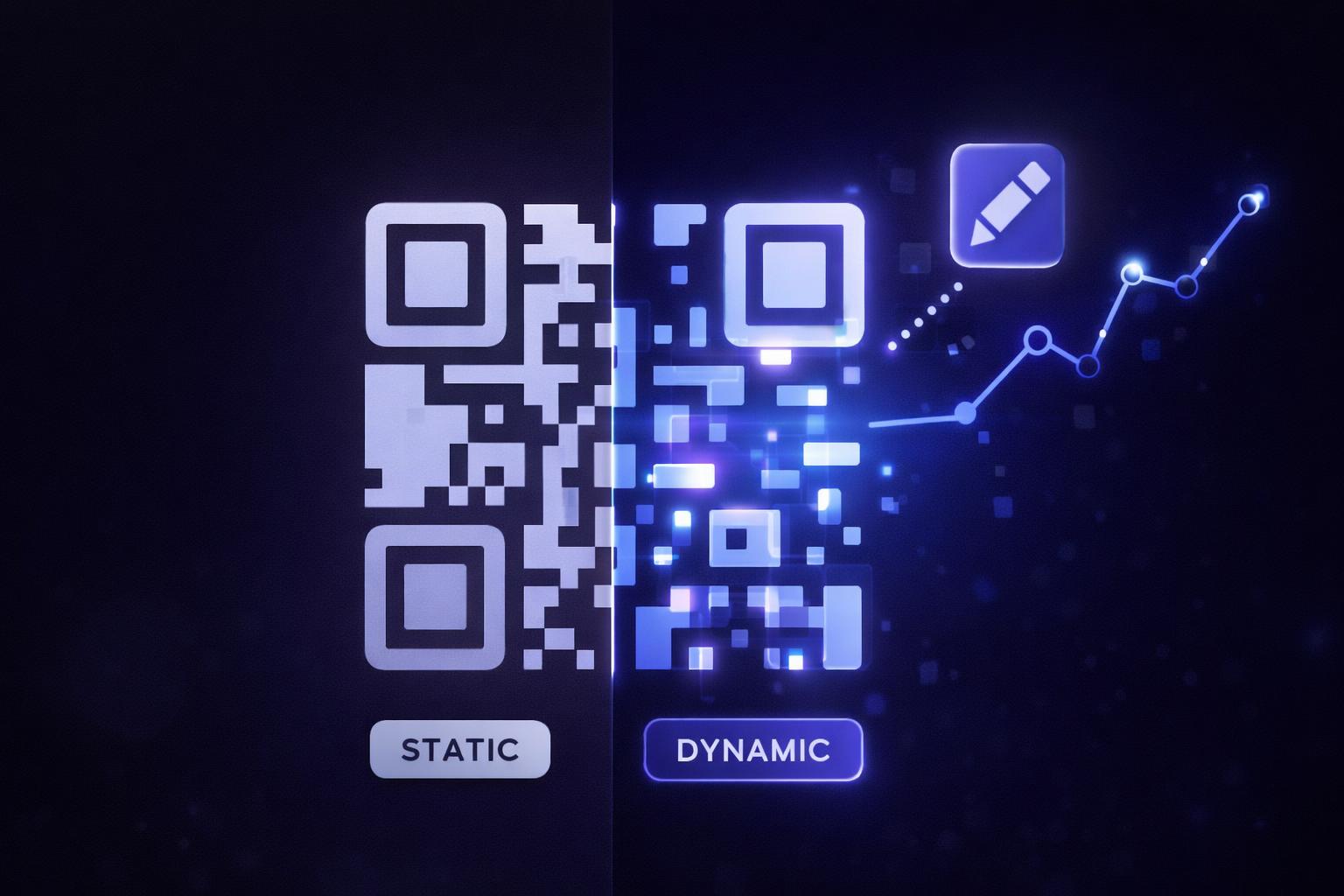
Every QR code is one of two types: static or dynamic. They look identical. The difference is invisible until the moment you need to change a link or check how many people scanned it. Pick wrong, and you might be reprinting a thousand flyers. Here is the honest breakdown.
This matters more than it used to. With QR usage up over 300 percent between 2021 and 2025 and 86 percent of marketers planning to use them more (Wave Connect, 2026), the gap between a code you can manage and one you cannot is the difference between a measurable channel and a shot in the dark.
The one-line version
A static QR code has the destination encoded directly in the dots. It is permanent and free, but you can never change it and you cannot track scans.
A dynamic QR code points at a short redirect that you control. You can change the destination anytime, and you see every scan. It needs an account.
Side by side
| Feature | Static | Dynamic |
|---|---|---|
| Edit destination after printing | No | Yes |
| Track scans (count, time, place, device) | No | Yes |
| Works forever once printed | Yes | Yes, while active |
| Needs an account | No | Yes |
| Cost | Free | Free trial, then paid |
| Best for | One-off, throwaway codes | Anything printed or measured |
When static is fine
Static codes are not bad. They are the right choice when:
- You are testing something quickly and will regenerate it anyway.
- The link genuinely never changes (a permanent URL you fully control).
- You do not care how many people scan it.
- You want zero dependency on any service staying online.
A static code is just math. The link lives in the pattern, so there is nothing to keep alive. That permanence is its strength and its weakness.
When you want dynamic
Dynamic codes earn their keep the moment you print something or run a campaign:
- You printed it. Flyers, posters, packaging, signage, business cards. If the link ever changes, a dynamic code saves you from reprinting. Change the destination in a dashboard and every existing code updates instantly.
- You want to measure it. Dynamic codes log each scan. You learn how many people scanned, when, roughly where, and on what device. That is the difference between guessing and knowing. More on that in How to Track QR Code Scans.
- You are running more than one. Comparing two posters or two locations only works if you can see the scans for each.
- The destination is not final. Point a code at a "coming soon" page now, then switch it to the real page at launch. Same printed code.
"Can I just change a static code later?"
No. This is the single most common misunderstanding. A static code's link is the pattern itself. To change it you have to generate a new code, which means new dots, which means reprinting anything it is on. There is no editing a static code after the fact. See can you edit a QR code after printing? for the full breakdown.
If editing matters at all, start with a dynamic code. You can read more in What Is a QR Code and How Does It Work?.
How a dynamic code actually works under the hood
It helps to picture what happens on a scan.
With a static code, the dots literally spell out your URL. The scanner reads https://yoursite.com/page straight off the code and the phone opens it. There is no server in the middle, nothing to log, nothing to change.
With a dynamic code, the dots spell out a short redirect link like qrhubly.com/r/ab12cd. When someone scans it, that short link hits a server for a split second, records the scan, looks up where you currently want to send people, and forwards them there. Because the destination is stored on the server (not in the dots), you can change it whenever you like and the printed code never needs to change.
That tiny middle step is the whole trick. It is what makes editing and analytics possible, and it is invisible to the person scanning.
Three real scenarios where it matters
- A restaurant menu. Prices and dishes change. A dynamic menu code lets you update the linked menu every week without reprinting the table tents. A static code would mean new prints each time.
- A product launch. Print the packaging now, point the code at a "coming soon" page, then flip it to the live product page on launch day. Same printed box.
- A poster campaign in two cities. Give each city its own dynamic code, then compare scans to see which market responds. Static codes give you no way to tell them apart.
How QRhubly handles it
With QRhubly, the free in-browser generator makes static codes, download as many as you want. When you want a code you can edit and track, you make a dynamic QR code from a free account. No card required to start. Each dynamic code is live for 7 days or 50 scans on the free trial, then it pauses until you subscribe, so you can feel the editing and analytics before paying.
The QR code tracking dashboard shows scans, locations, device type, and peak-times heatmap for every code you create.
Frequently asked questions
Is a dynamic QR code slower to scan? No. The redirect step is instant. A scanner reads the short link and forwards to your destination in a fraction of a second.
What happens to a dynamic code if I stop paying? The code stops redirecting and shows a "paused" page until you reactivate. The printed code is not wasted, you just need an active plan for it to forward again. Static codes you generated stay valid because their link is self-contained.
Can I convert a static code to dynamic? Not the same physical code, because the link is baked in. But you can make a new dynamic code for the same destination and use that one going forward.
Do dynamic codes look different? No. Static and dynamic codes look identical. The difference is entirely in what the code points to.
Are dynamic codes worth it for personal use? Usually not. If you just want to share your WiFi at home or hand someone a link once, a free static code is perfect. Dynamic codes pay off when something is printed at scale, reused over time, or worth measuring.
Does a dynamic code depend on a service staying online? Yes, the redirect runs through a provider. That is the tradeoff for editing and analytics. A static code has no dependency because the link lives in the code itself. Pick based on whether flexibility or total independence matters more for that specific code.
The bottom line
Use static for quick throwaway codes. Use dynamic for anything you print, reuse, or want to measure. If you are unsure, dynamic is the safer default because it keeps your options open.
Related guides
Make a QR code you can edit and track
Create dynamic QR codes, change the destination anytime, and see every scan. Free to start, no card.